




The 2025 Playbook for OAC Reports: Turning Owner-Architect-Contractor Meetings Into Real-Time Project Control
Why OAC Reports Still Matter, Even in the Age of Instant Messaging
Owner-Architect-Contractor (OAC) meetings used to feel like the anchor of the project calendar. Everyone gathered, reviewed progress, and left with tasks in hand. Then smartphones, Zoom calls, and siloed scheduling tools turned the jobsite into a whirlwind of real-time updates. Teams now wonder: Do we still need formal OAC reports?
The answer is yes, but only if those reports evolve. In 2025, the best-run mid-size GCs treat the OAC package as a live control tower, not a retroactive minutes document. When done right, an OAC report doubles as:
- A single source of truth for construction scheduling, cost, and risk
- A legal record that protects against change-order disputes
- A chart of action items with ownership, due dates, and automated follow-up
- An opportunity to further build a solid relationship with the owner
Below, we unpack the most common OAC pain points, demonstrate how modern construction scheduling software addresses them, and outline best practices that transform reporting into real-time project steering.
Pain Point #1: Agenda Drift—When Meetings Turn Into Story Time
Problem: By the time each trade gives status, half the room is glazing over. The meeting runs for 90 minutes, the report hits inboxes two days later, and no one remembers the next-step deadlines.
Scheduling Impact: Critical-path items get buried under FYIs. Crews continue to work from outdated look-ahead schedules, resulting in rework.
Best Practices for 2025:
- Milestone-Driven Agendas – Tie every discussion point to milestones directly pulled from the live master schedule.
- Time-Box Discussions – 5-minute cap per trade item. If an issue requires further discussion, assign an action item and schedule it for a breakout session.
- Auto-Generated Task List – Use field-first OAC software to create action items on the fly, assigning task owners and due dates that sync to the schedule.
Pain Point #2: Manual Data Wrangling & Spreadsheet Purgatory
Problem: Most mid-size GCs still copy photos into Word, merge cost codes from Excel, and convert everything into a PDF. One PM spends up to four hours per week just stitching screenshots and notes.
Scheduling Impact: By the time the report lands in the owner’s inbox, the site conditions have already changed.
Best Practices for 2025:
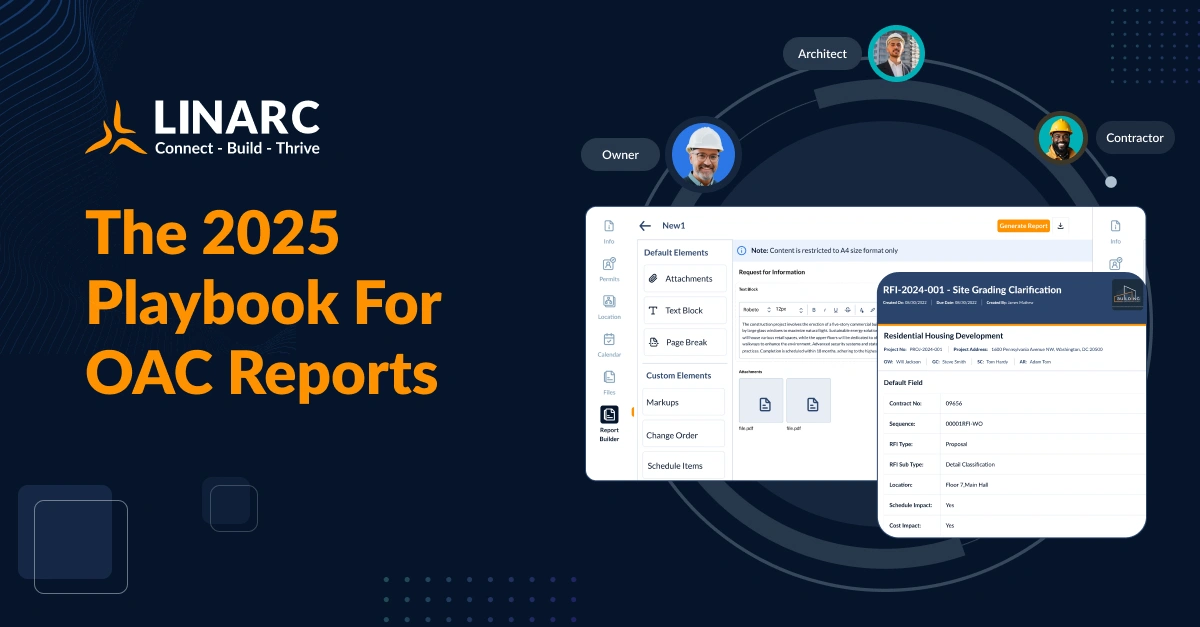
- Real-Time Report Builder – Tools like Linarc’s upcoming report designer automatically pull schedule progress, cost exposure, and RFI status. A PM simply drags widgets onto the template and hits “Publish.”
- Version Control: Each OAC package gets an auto-incremented version, ensuring stakeholders always reference the latest schedule dates and attachments.

Pain Point #3: Disconnected Schedules and Action Items
Problem: An RFI resolved in January still shows “Pending” on the March OAC because the master P6 file wasn’t refreshed. Field supers start working from tribal knowledge rather than the official schedule.
Scheduling Impact: Planned vs. Actual spreads widen; the critical path health index (CPHI) drops below 0.8.
Best Practices for 2025:
- Two-Way Bind – Every closed RFI, approved submittal, or change order automatically triggers a schedule update.
- Look-Ahead Integration – 48-hour and three-week look-ahead tasks roll directly into the OAC’s action-item table.
- Mobile Confirmation – Supers confirm completion in the field; the status flows straight to the next OAC draft.
Pain Point #4: Photo Evidence Gets Lost in the Shuffle
Problem: Drive links break, Dropbox folders multiply, and the owner can’t find the “before” shot attached to Issue #27.
Scheduling Impact: Without visual proof, change-order approval stalls, delaying pay apps and choking cash flow.
Best Practices for 2025:
- Inline Media Pins – Drop photos, drone stills, or 360° captures directly into the report section they support. Hover or tap reveals metadata (location, date, crew).
- Map-Based Anchoring – Custom pins (Material Delivery Zone, Tower Crane Position) align images with a site plan, providing context at a glance for everyone.
.webp)
Pain Point #5: Slow Turnaround Kills Momentum
Problem: OAC reports go out on Friday; yet the actionable insights aren’t applied until the following Tuesday. Meanwhile, the ironworkers missed a newly added sleeve, and the schedule loses another day.
Scheduling Impact: The lag turns a solvable clash into a change order.
Best Practices for 2025:
- One-Click Publish – Generate a signed PDF during the meeting, not after it.
- Automated Follow-Up – System emails or push notifications nudge task owners at predefined intervals until each action item is complete.
- Dashboards > Attachments – Provide stakeholders with a web link to a live dashboard tied to the OAC package, eliminating the need for “final_FINAL.pdf” madness.

Leadership Checklist: Making OAC Reports Worth Opening
Remember: OAC isn’t a compliance ritual; it’s a project control weapon.
Looking Ahead: The 2025 OAC Mindset
The future isn’t about making longer OAC PDFs; it’s about shorter feedback loops. Your scheduling engine, cost tracker, and field app must speak the same language in real time. In other words, your OAC report should update itself.
That’s why modern platforms—Linarc included—are moving to dynamic OAC dashboards:
- Live schedule variance with color-coded milestone status
- Auto-pulled photos and drone overlays for context
- Cost exposure widgets tied to open change orders
- One-click export to a signed PDF for contractual archiving
When stakeholders open the link, they see the same data you see—no lag, no mismatch, no excuses.
Ready to Modernize Your OAC Workflow?
If your reports still take days to compile (or worse, if no one reads them), let’s talk. Linarc’s field-first, schedule-smart platform turns OAC reporting into a 15-minute sprint with real-time results.


.webp)
.svg)

