
PROJECT ONLINE IS GONE. YOUR SCHEDULES DON'T HAVE TO BE.
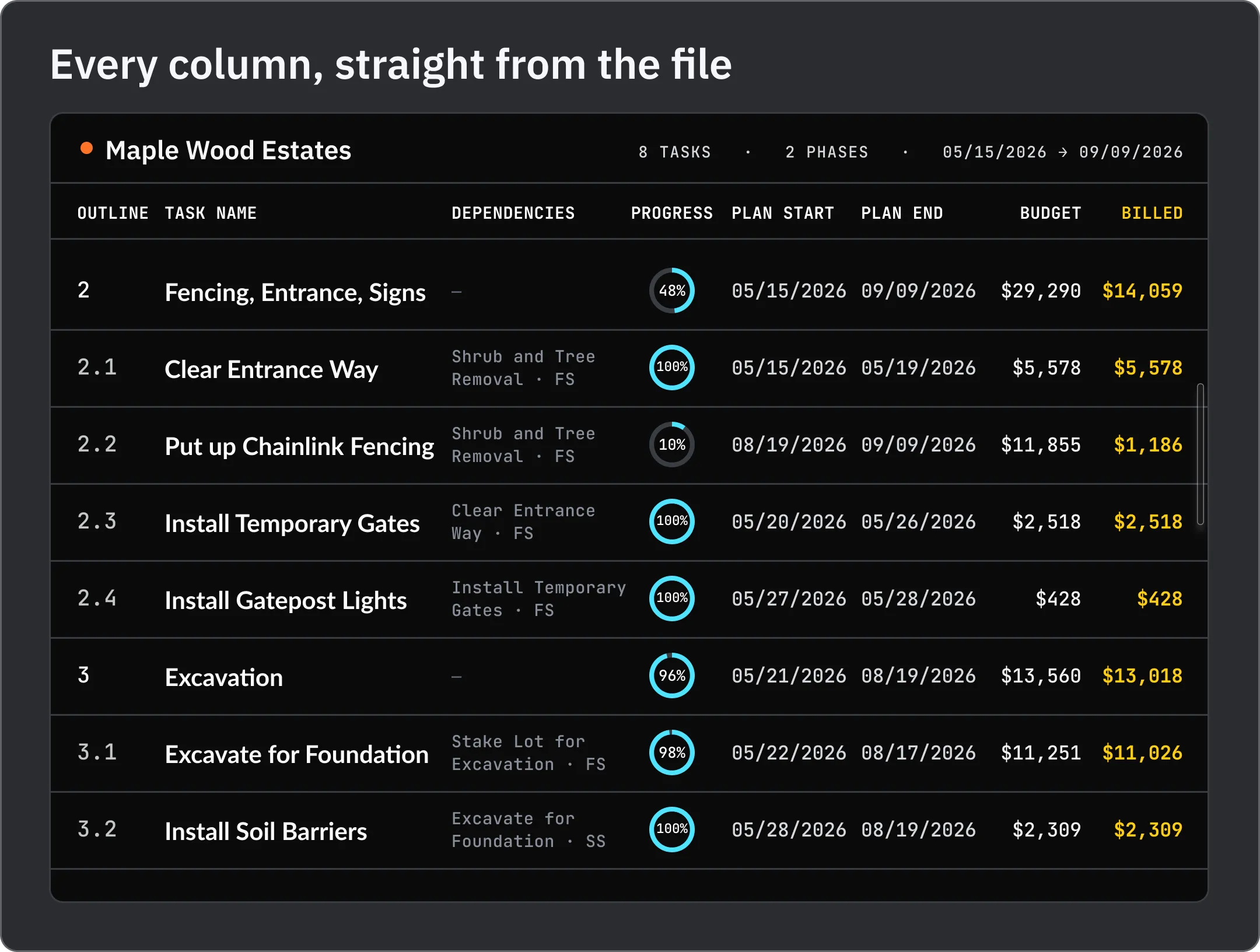
Microsoft retired Project Online on September 30, 2026. Import your MPP files into Linarc, keep the dependencies, and connect the plan to the crew and the budget.


A DESKTOP SCHEDULE WAS NEVER CONNECTED TO THE JOB
Three things that change when the schedule leaves the file.

In MS Project the schedule is drafted once and rarely updated. In Linarc the crew updates it from the field and the critical path recalculates.

Cost codes map to schedule tasks, so slipping a task moves the forecast.

No license per viewer, no PDF exports. The whole team, subs included, works from the live plan.
WHERE THE DIFFERENCE SHOWS UP
The workflows a GC and specialty contractor run every day.
A SEAT FOR THE PLANNER, A PDF FOR THE CREW
How each side builds the number.
PLANNING FILE, OR LIVE SCHEDULE
MS Project builds it. Linarc runs it.
A capable desktop scheduler. Disconnected from the crew, the cost, and now from Project Online.
Import the plan, keep the logic, and connect it to the field and the budget. Built for growing commercial contractors.
BUILT FOR THE CONTRACTOR WHOSE SCHEDULE LIVES IN A FILE



IMPORT IT. THEN ACTUALLY RUN IT.
See your MPP schedule connected to the crew and the budget in one demo.


Our website uses cookies

